


Virtual Centre
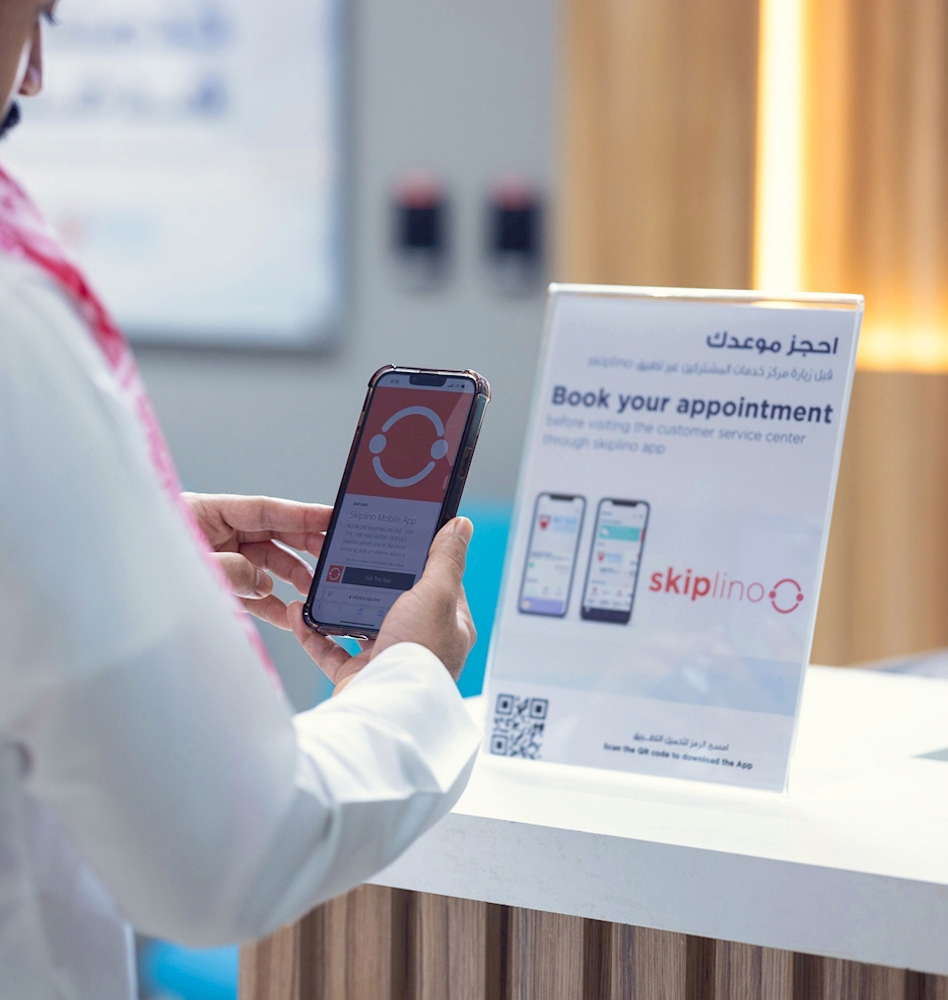
Book your appointment in a few easy steps.
Book Appointment Now!
Choose one of the following:
- Download the Skiplino app from the App Store or Google Play to book at your convenience.
- Click the "Book Appointment" button below to book directly.
Follow these simple steps:
-
Confirm Booking
Confirm your details and click on 'Book'.
-
Select Service
Go to ‘Public Services’ and select EWA.
-
Choose Branch
Go to 'Branches' and select the branch you want to visit.
-
Pick Date and Time
Select an available date and time that suits you.
-
Select the Service Type
Select the required service.
Content last updated : 01 October 2026